FavoDock
Your favorites, one click away
Quick access to your files, folders, workspaces, and clipboard history right from the menu bar. Stay organized, launch instantly.
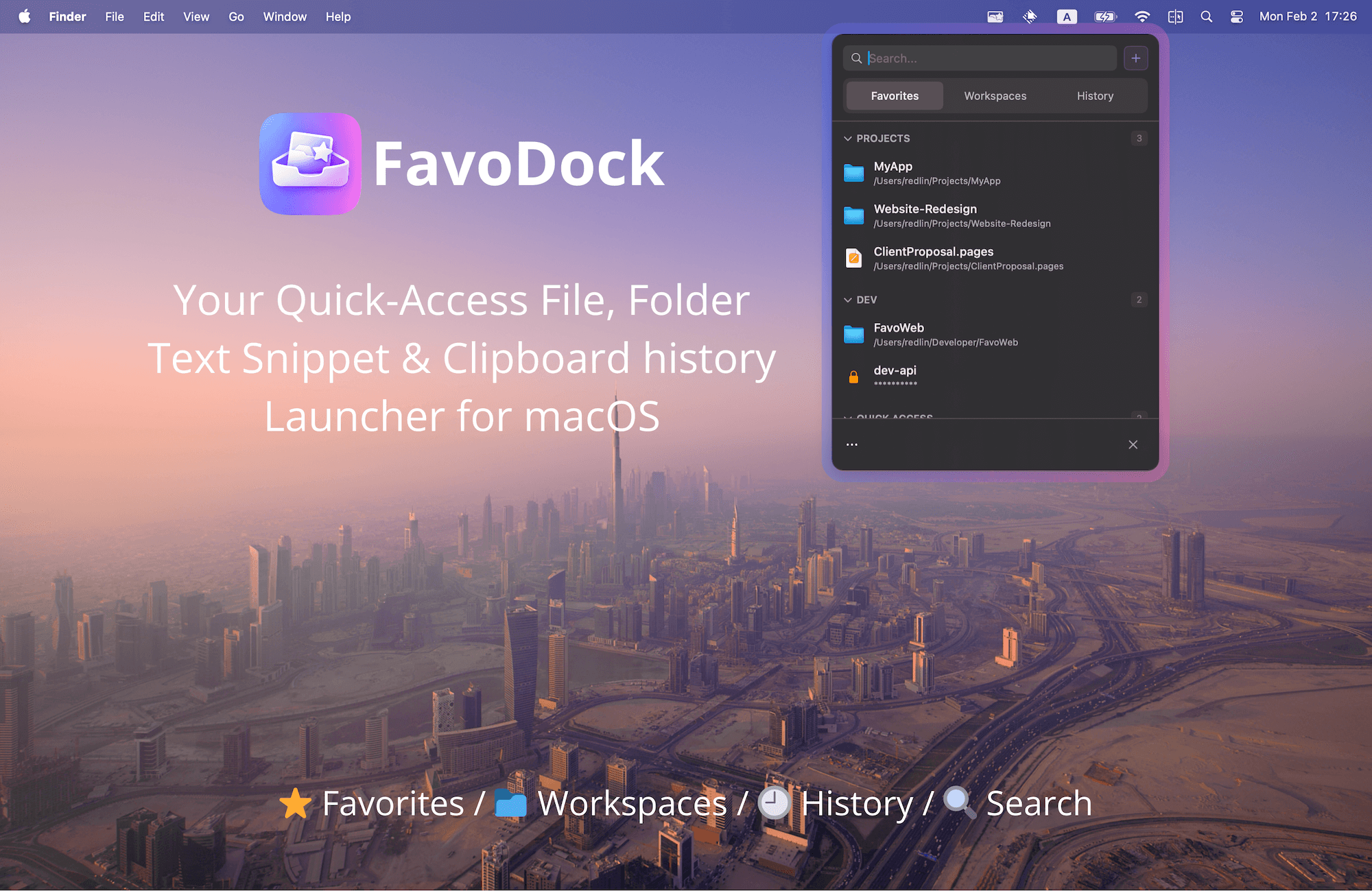
Everything you need, one click away
FavoDock brings your most-used files, folders, and tools to the menu bar so you can focus on what matters.
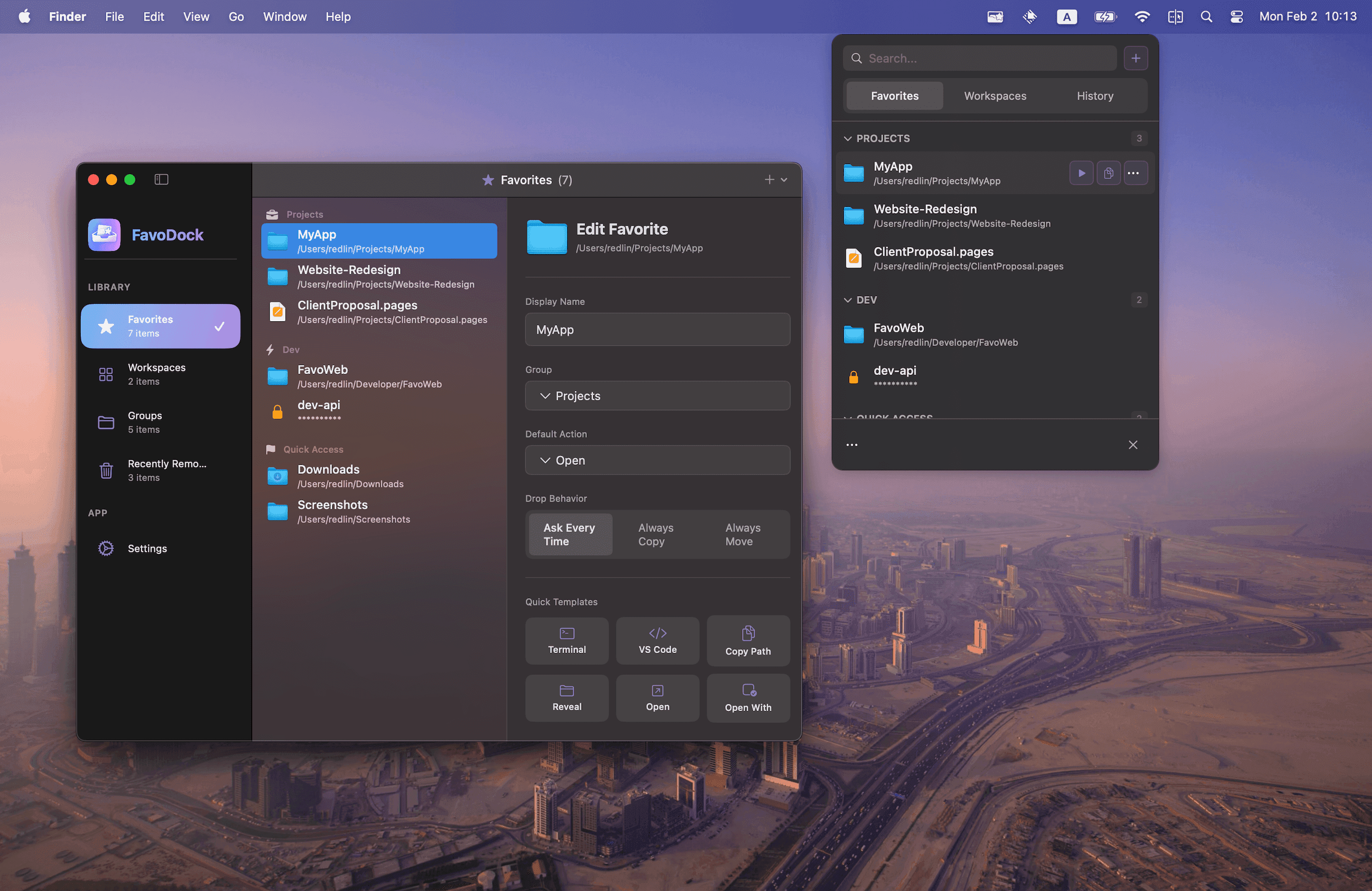
How FavoDock Works
A simple three-step workflow that fits naturally into how you already use your Mac.
Developers
Jump to project folders, open Terminal instantly, run build scripts, and trigger Shortcuts from the menu bar.
Designers
Keep project files, design assets, and reference materials organized in groups for fast switching between projects.
Writers
Access documents, save text snippets to favorites, and use clipboard history to manage research and drafts.
Power Users
Launch complex workspaces, automate repetitive tasks with scripts, and maximize efficiency with keyboard shortcuts.
Students
Organize course materials by subject, keep assignment folders pinned, and quickly access lecture notes and resources.
Teams
Set up shared workflow patterns, switch between project contexts instantly, and keep team resources at your fingertips.
Free vs Pro
Free
forever
Pro
one-time purchase
Frequently Asked Questions
Our Apps
More productivity tools from our team